Presentations and apps
The chat builds things that last.
In SovrGPT we call them crafts: presentations and apps that the chat builds for you and that stay, even after the chat itself has been deleted.
Presentations
Presentations that live on.
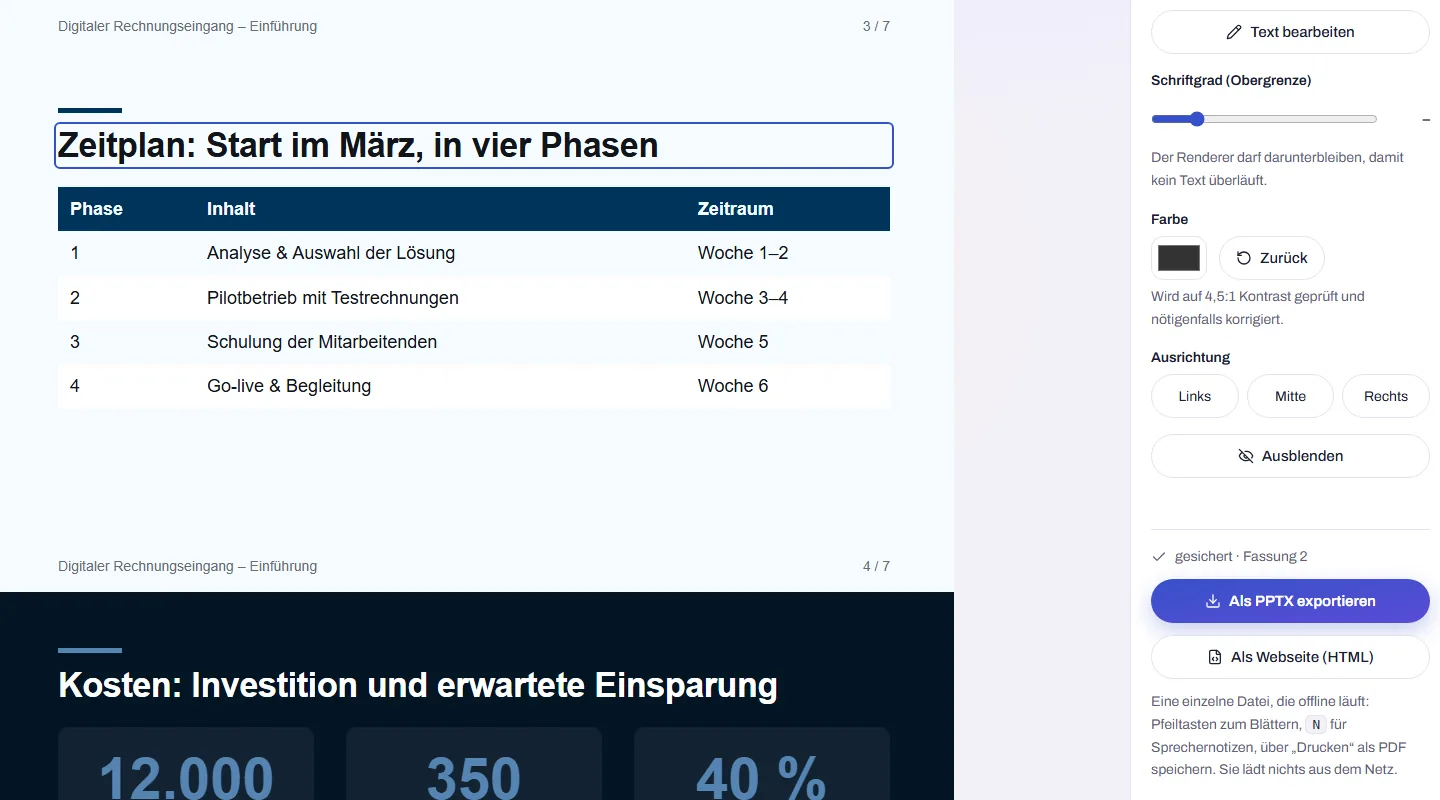
Not a fixed file but a piece of work: changed with a click or in the chat, the last 50 versions restorable, shared as a link or exported as PPTX.
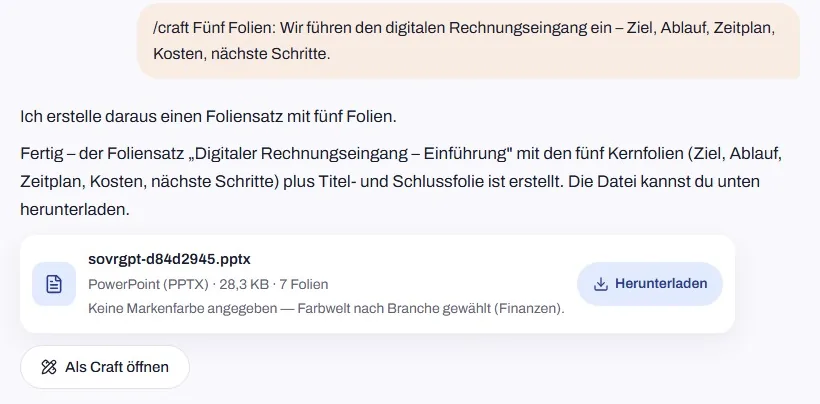
Describe it in the chat
Usually “Turn this into a presentation” is enough; the slides button, which puts “/craft” in front, makes it unambiguous. The deck comes in your colours, taken from a colour you name, your logo or your industry. A button below it opens the deck as a craft.
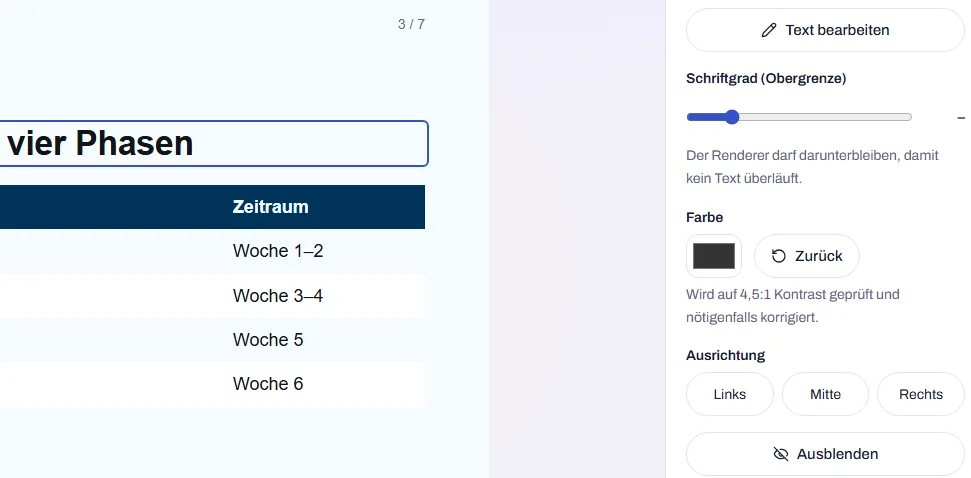
Click and change
Text, font size, colour, alignment or visibility of an element, saved at once. Or tell the chat what should change.
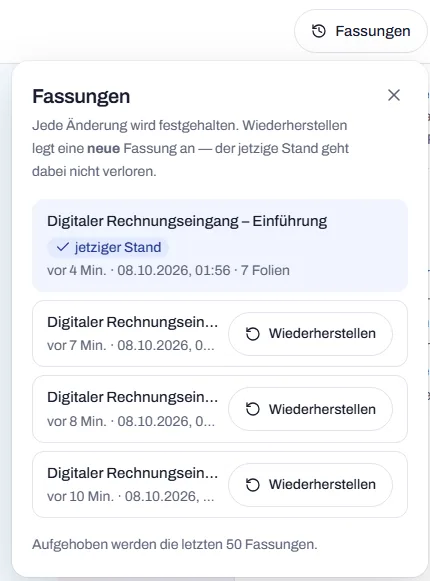
The last 50 versions are kept
Every change is saved as a version; the last 50 per presentation are kept. Restore an older one with a single click, without losing the current state.
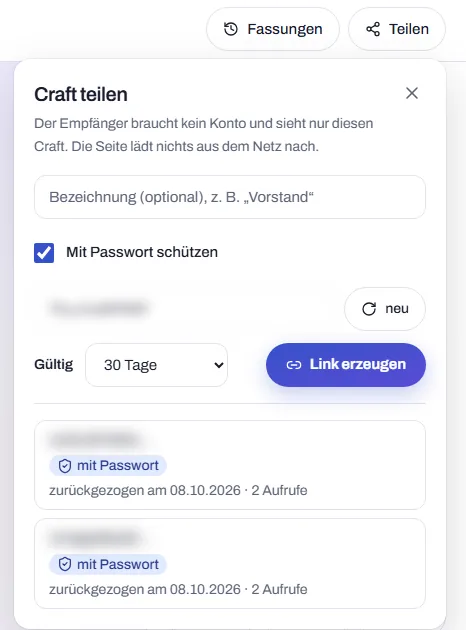
Share or export
As a link with password and expiry date that you can withdraw at any time. Or as PPTX with editable text and as a web page that works offline.
What else is included
House style
Up to six brand colours, your industry and light or dark, set once for the whole organisation.
Presenter view for recipients
Whoever opens the link needs no account. A counter shows how often it was opened.
Speaker notes
Notes for each slide, in the PPTX and in the web page with presenter view.
Import PPTX
Upload an existing presentation and keep working on it as a craft.
Slide types
- Title
- Agenda
- Key message
- Bullet list
- Comparison
- Key figures
- Quote
- Table
- Image
- Closing
Up to 100 slides per presentation. Not included yet: charts, animations, free positioning and your own PPTX templates.
Apps
Describe it, and the app runs.
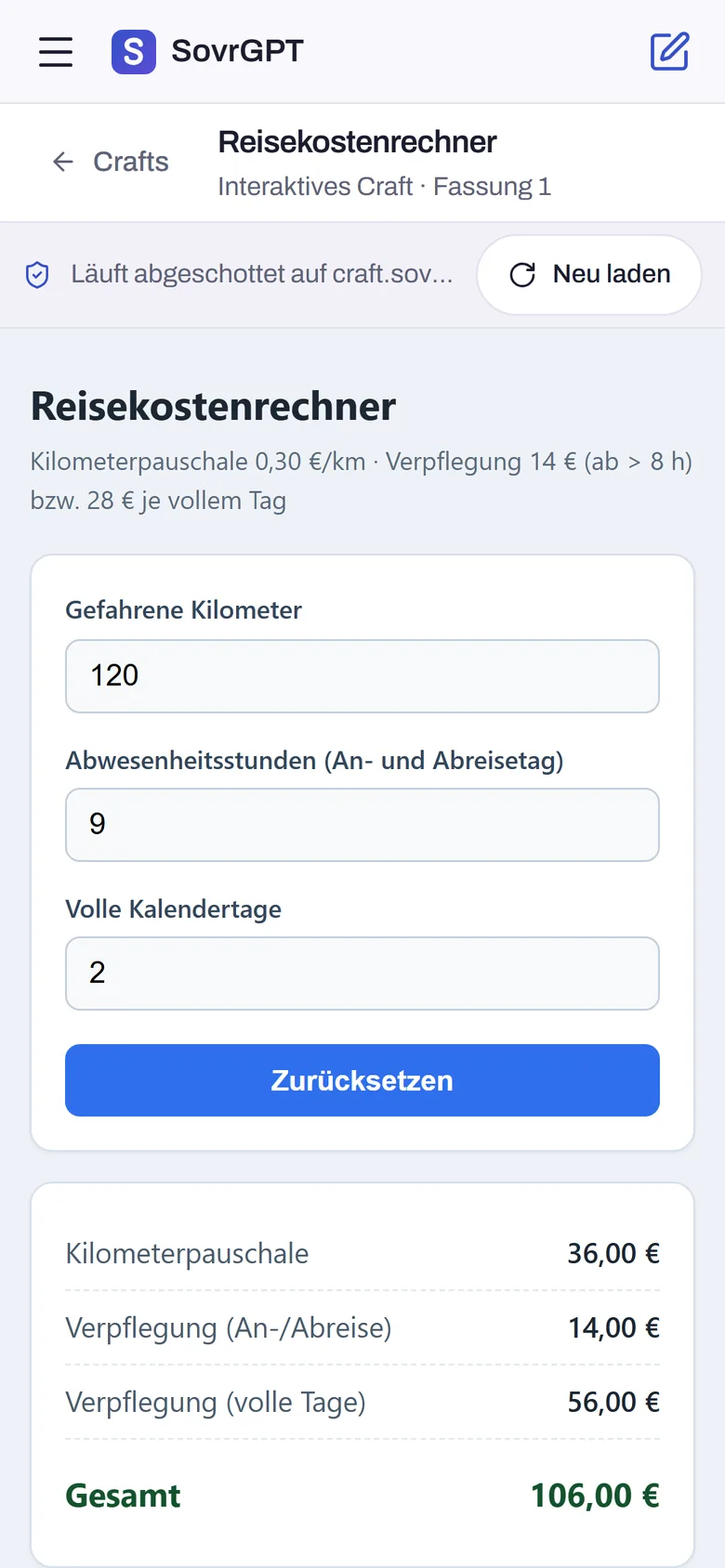
One sentence in the chat becomes a small application that you and your team can use straight away, in the browser and on your phone.
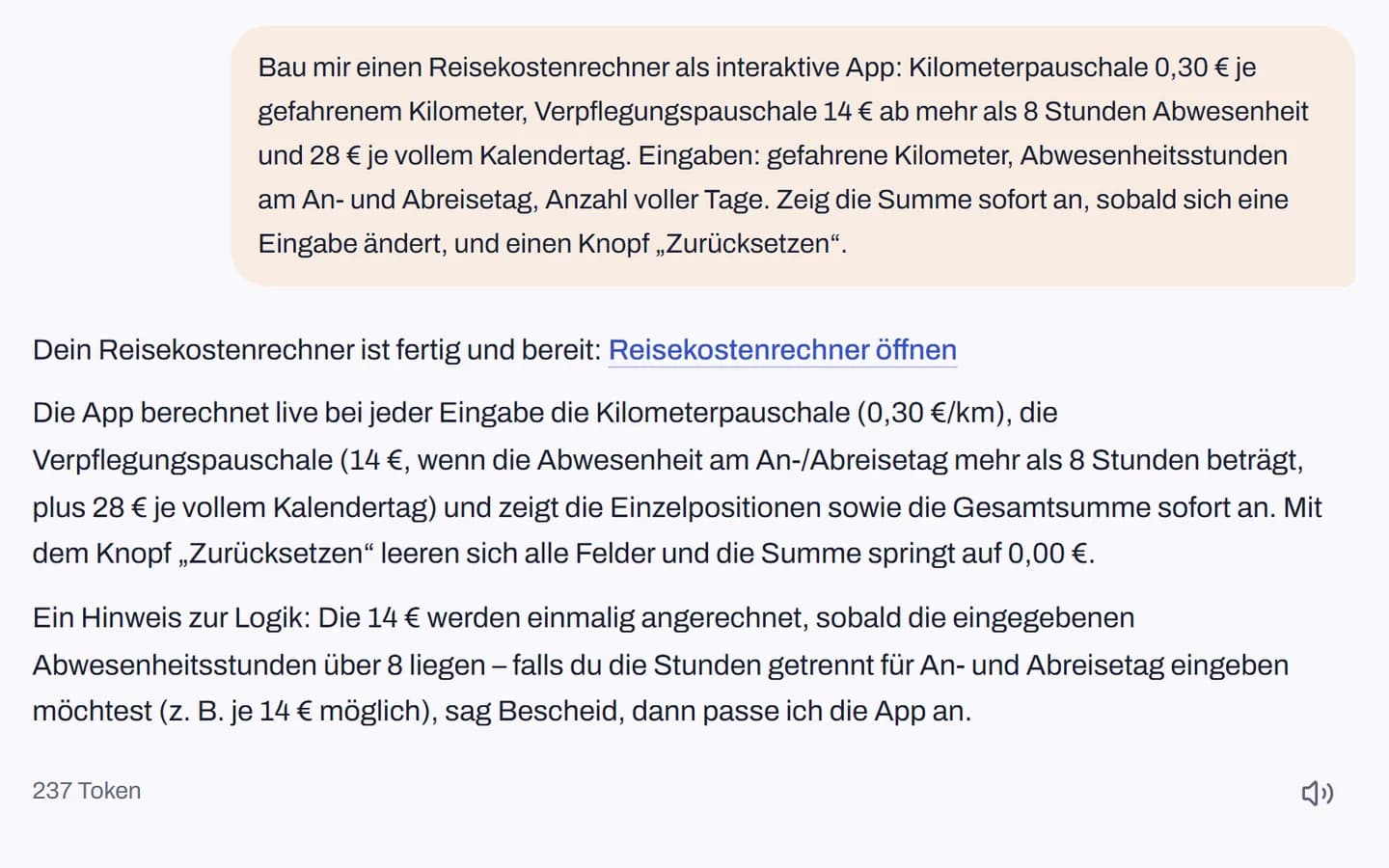
Describe it in the chat
“Build me a travel expense calculator …”: say what the app should calculate, ask or show.
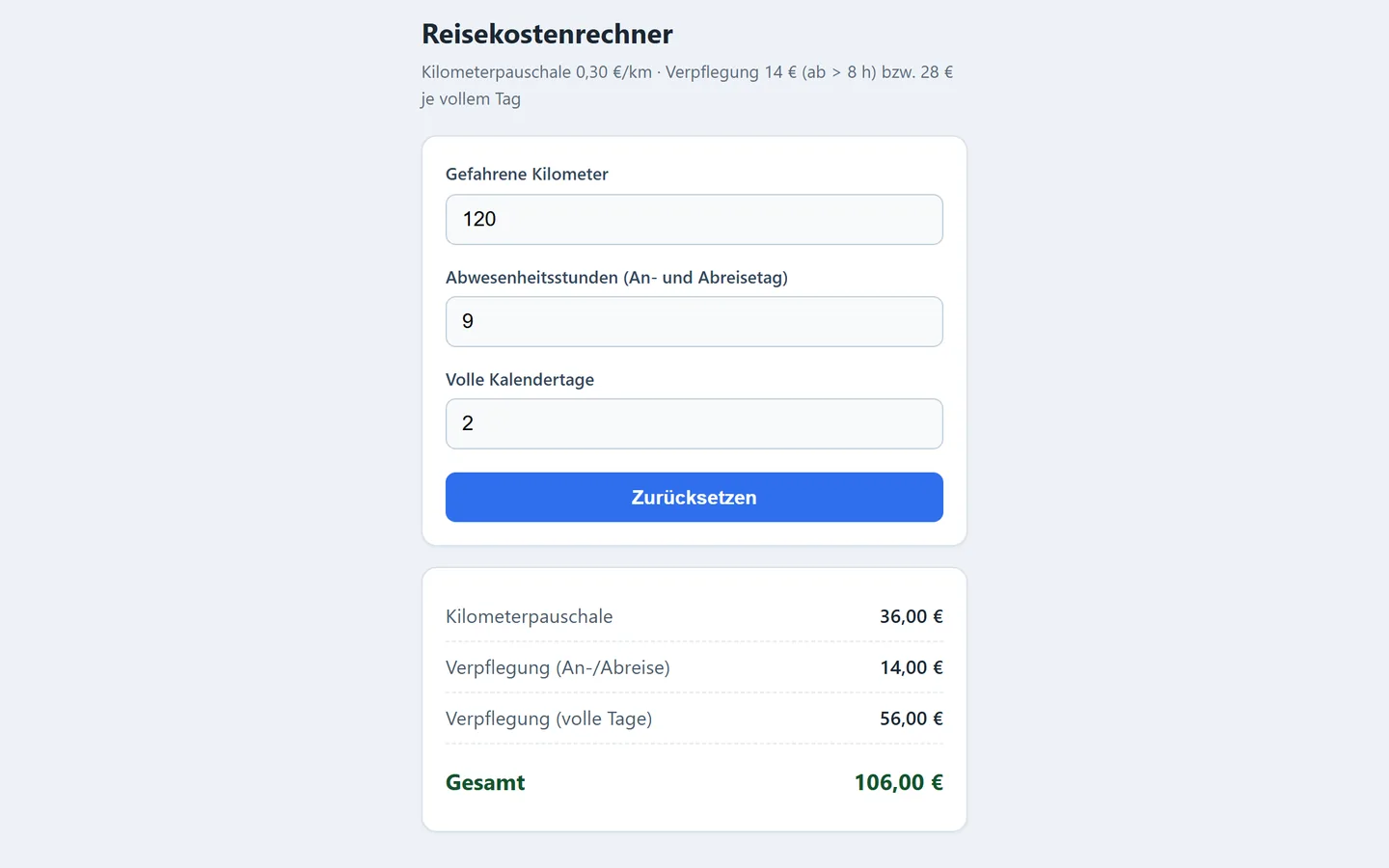
The app runs straight away
No setup, no publishing. The app opens directly and is ready to use.
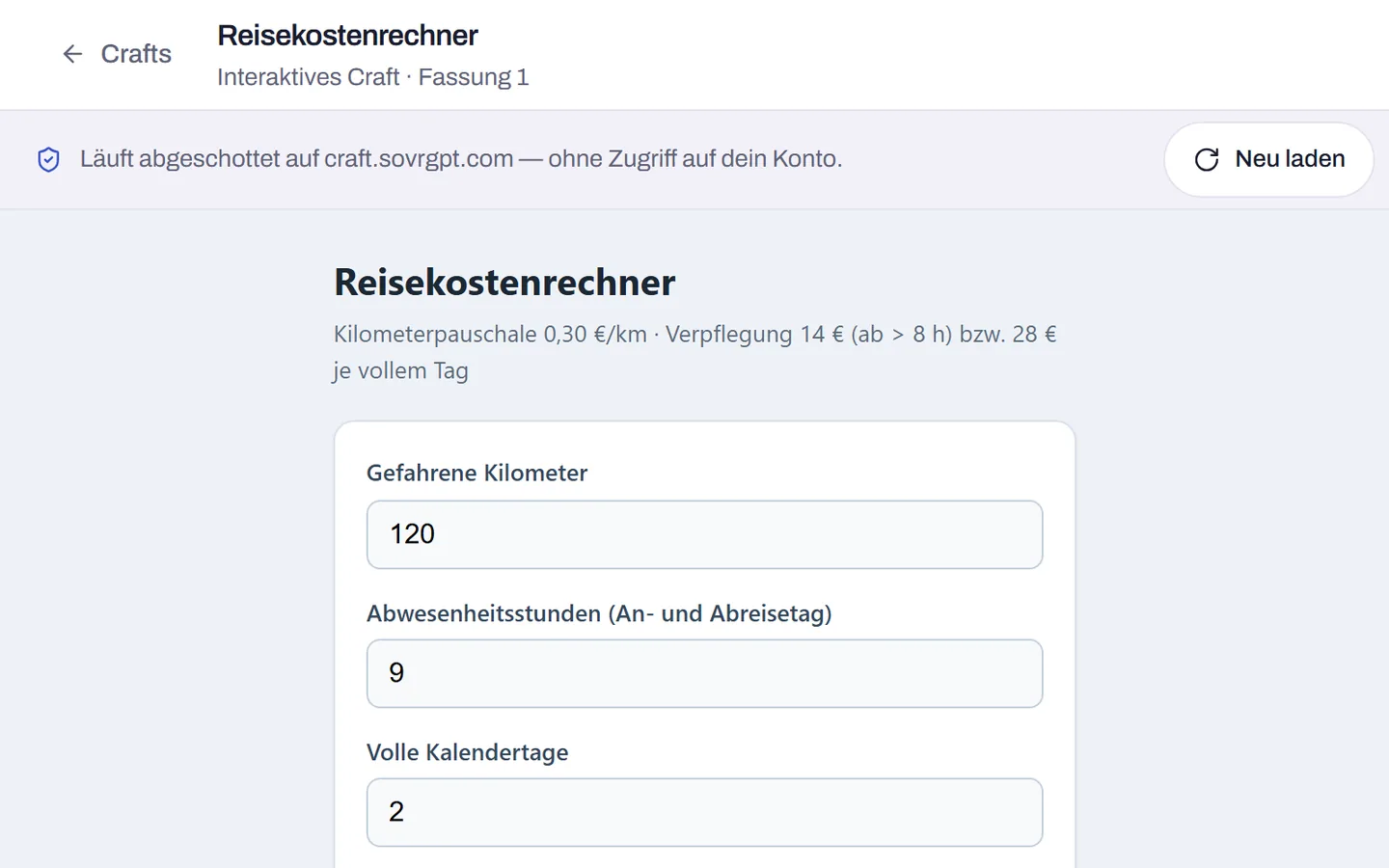
Isolated from your account
Each app runs on its own at craft.sovrgpt.com, with no access to your account, your chats or your files.
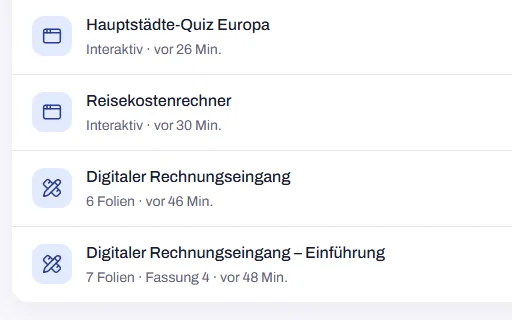
Find it again under Crafts
All apps appear in your list of crafts, marked as interactive, next to your presentations.
For example
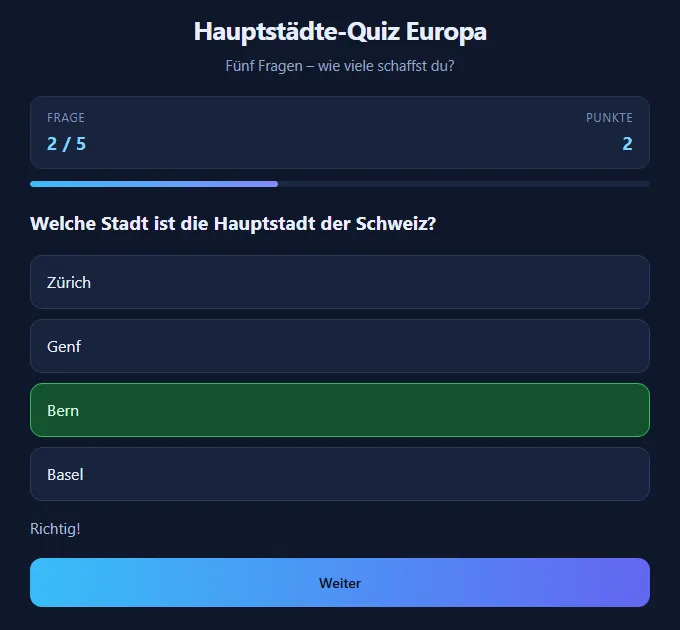
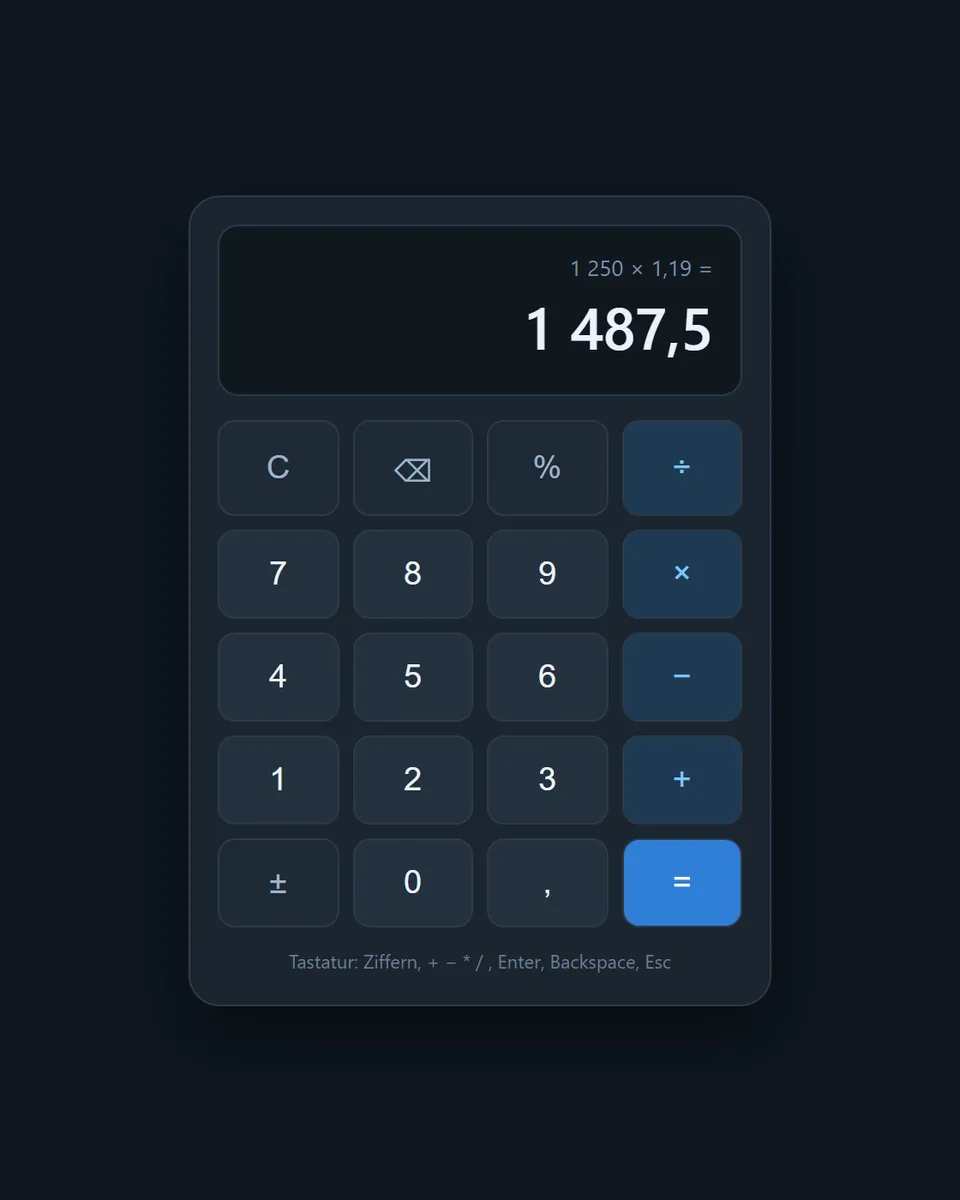
And much more
- Reports with charts
- Forms with validation
- Price calculation
- Funding rates
- Surcharges
- Filterable tables
- Flashcards
- Small games
Apps deliberately work on their own: no network access and nothing saved between two sessions. They cannot be shared outside by link, and a change in the chat creates a new app.
Availability
- Presentations and apps: included in all three packages, Team, Enterprise and Public sector.
- Apps are on by default; if you prefer, we can switch them off for your organisation.
Show us your use case.
Already have an account? Sign in